 3 min
3 minUsing a Starlink Mini in your Tesla: power, placement and costs for road trips and camping
A Starlink Mini can give you internet in places where your Tesla has no signal. How much power it uses from the battery, where to put it, what it costs, and the rules to keep in mind.
Tesla cars connect over mobile networks, and in remote areas that connection can disappear. A growing number of owners solve that with a Starlink Mini, a small satellite dish that runs on very little power. Tesla does not sell or support it, but it combines well with Camp Mode and long trips. Here is what to know.
What the Starlink Mini is
- Size and weight: about 30 by 26 cm and roughly 1.2 kg, so about the size of a laptop.
- Power: roughly 20 to 40 watts in normal use. It needs a 12 to 20 volt supply, such as a car socket with the right cable or a USB-C power bank that can deliver enough.
- Speed: up to about 260 Mbps on Roam plans, with peak-hour slowdowns possible.
- Price (US, October 2026): $149 for the hardware. Roam plans cost $55 a month for 100 GB, $80 for 300 GB and $175 for unlimited data.
Prices and plans differ per country, so check the Starlink website for your region.
How much battery does it use?
The Mini itself is not the issue. At around 30 watts, ten hours of use takes about 0.3 kWh, less than 1% of a typical Model Y battery. In Camp Mode, though, the car keeps its own systems, screen and climate running, and that usually uses much more energy than the dish, especially when heating or cooling. Plan your charge level around the climate control, not around Starlink.
Where to put it
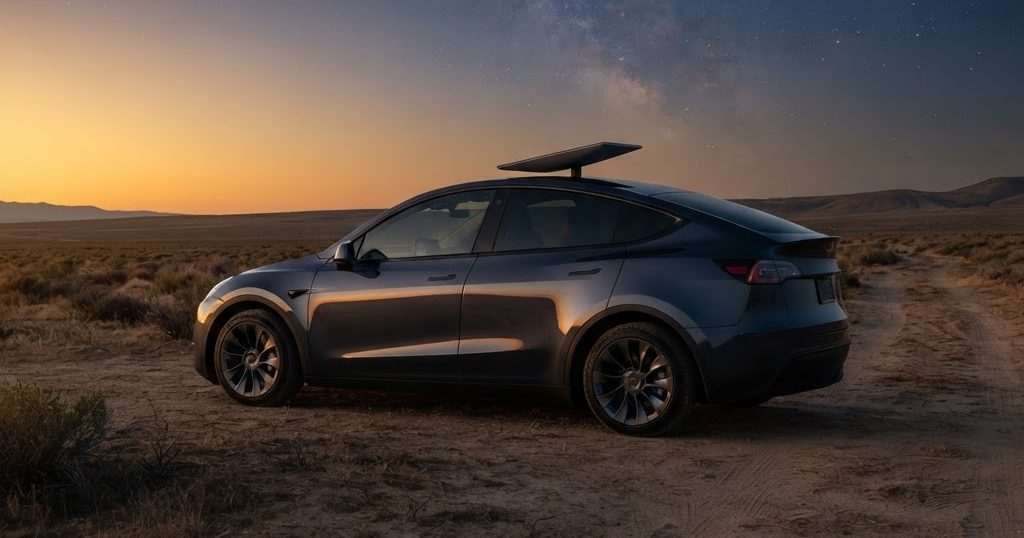
- Clear view of the sky: trees and buildings block the signal. On a campsite, a spot a few metres away from the car often works better than the roof.
- Not behind the glass: placing a dish under a tinted or metal-coated glass roof can weaken the signal. Some Cybertruck owners report it works under their roof glass, but results vary.
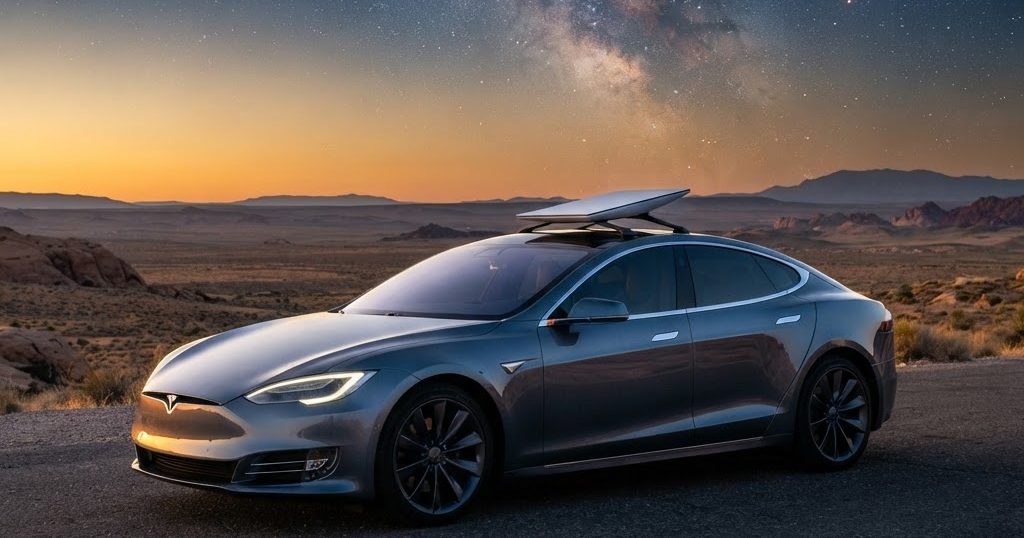
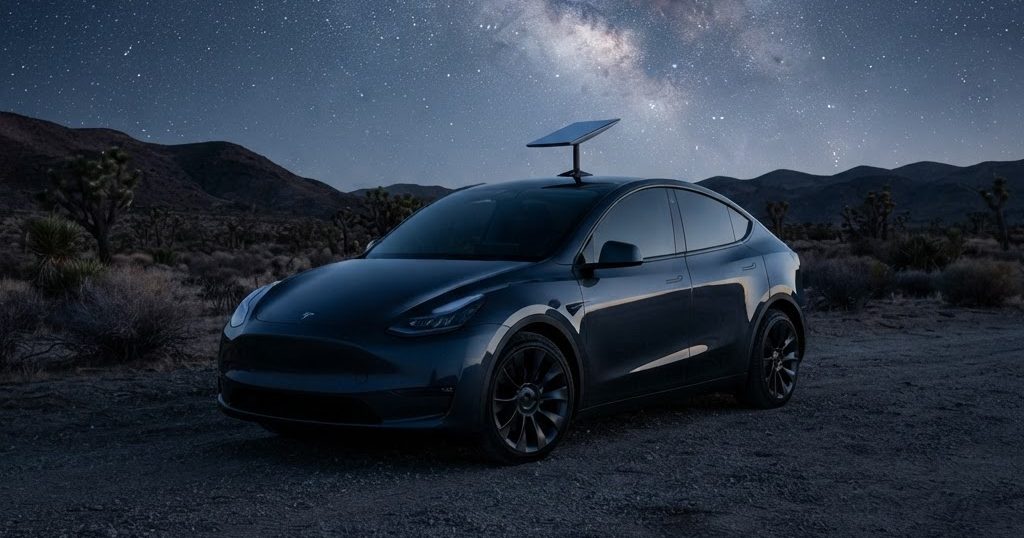
- Roof mounts: aftermarket mounts exist, particularly for the Cybertruck. Make sure a mount does not damage paint or glass, and secure cables so they cannot get trapped in a door.
Rules and safety
Using Starlink while driving depends on your plan and local rules; check before you go. Never let a loose dish or power bank slide around the cabin, and do not route cables in ways that distract the driver. In some countries, mounting equipment on the roof while driving may also need to comply with vehicle regulations.
Is it worth it?
For most daily driving, the car's own connection is enough. A Starlink Mini makes sense if you camp in remote places, travel in regions with poor coverage, or need to work on the road. Musk has said future cars will have Starlink built in, as the Cybercab already does, but there is no factory option for private Teslas yet.