 2 min
2 minTesla's Summer Update 2026.26: every feature explained, from Grok commands to Preferred Routes
Tesla's big summer software update added more Grok voice control, a rear-screen lock for kids, smarter navigation and app features. What each feature does and who gets it.
Tesla's Summer Update, version 2026.26, first appeared in late July 2026 and has been spreading through the fleet since. With most cars now updated, here is a clear overview of what it brought. Some features may differ by country.
Grok does more
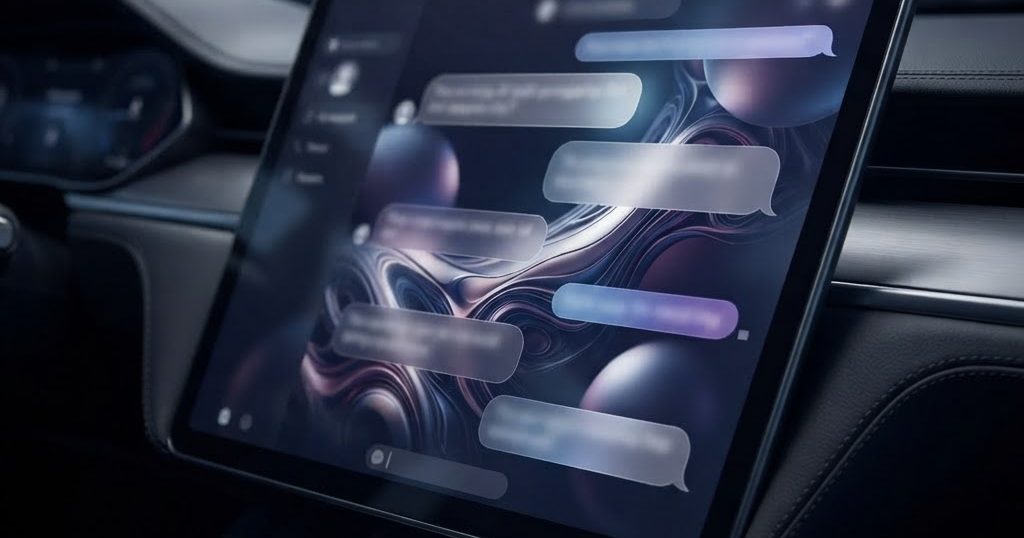
The voice assistant Grok can now carry out more tasks in the car: make phone calls, search for and play music, adjust the climate, open the glovebox and answer questions about your Tesla. That makes it more of a real voice control than only a chat partner.
Navigation that learns
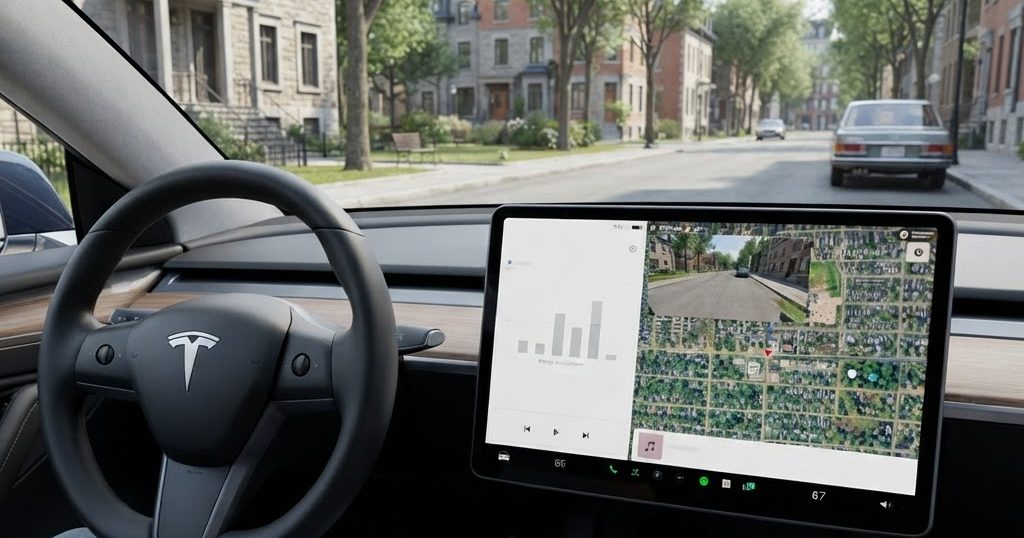
- Adaptive Automatic Navigation: besides Home, Work and calendar events, the car now suggests and routes to places you visit regularly, such as school or the gym.
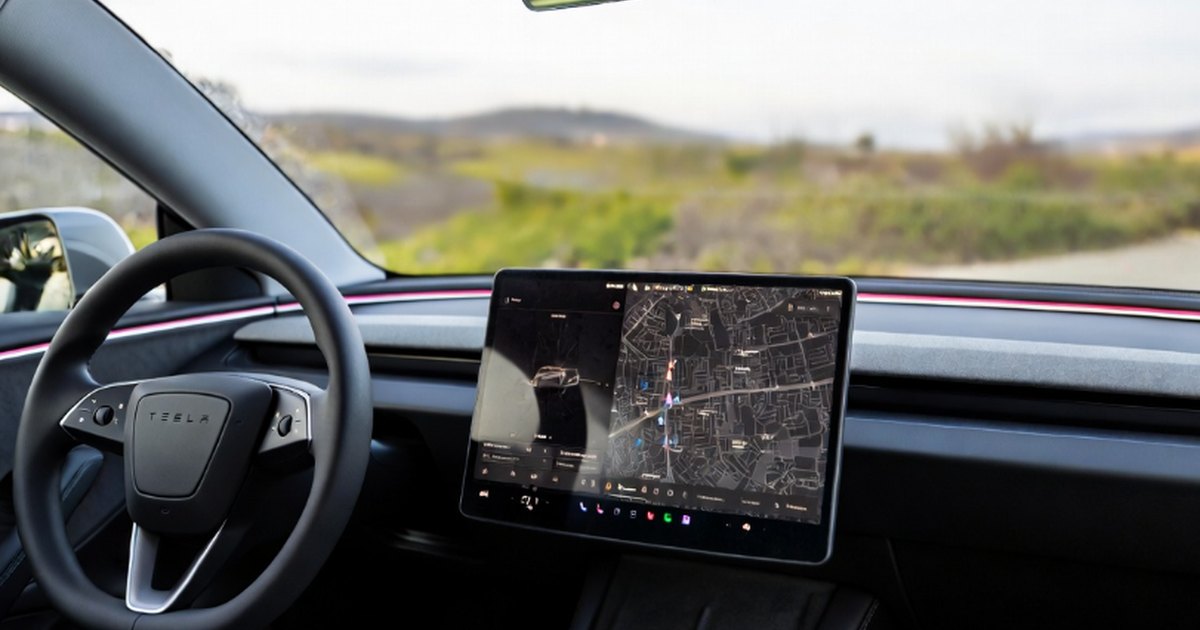
- Preferred Routes: navigation gives priority to routes you have driven before, instead of always choosing the theoretically fastest one.
- Superchargers by name: you can search for a Supercharger by its name when entering a destination.
For families
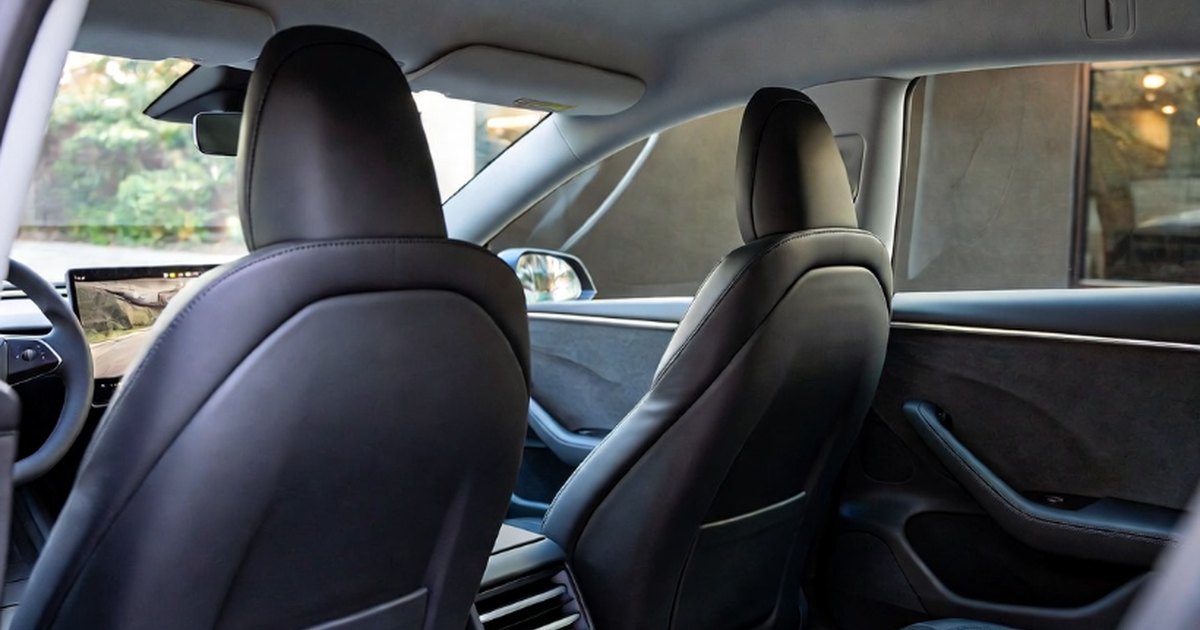
Rear Display Lock is a parental control. Children can watch content on the rear screen, but only the front seats can control it through the rear-screen app.
In the Tesla app
- Self-Driving stats: view and share your self-driving statistics.
- Arrival energy: set how much battery you want to have left on arrival, straight from your phone.
- Custom wraps: upload your own colour wrap for the car's on-screen model without a USB stick.
Smaller additions
- Caraoke now scores your singing while parked and saves high scores to your profile.
- Apple Music songs can be added to the queue from search and artist pages.
- A preferred zoom level for the self-driving visualisation.
- The web browser can use the camera and microphone.
- New intro animations for the Model 3 and Model Y.
Who gets it
The update is meant for all Tesla vehicles worldwide. At first, cars running FSD v14 Lite on HW3 and cars on FSD v14.3 builds with HW4 did not receive it, because Tesla had to merge the software branches first. The rollout started slowly: a few weeks in, roughly 15 to 20% of the fleet had it, according to tracking services. A 2026.26.1 point release quickly followed with bug and security fixes.
How to check
Go to Controls, then Software, to see your current version. Updates arrive in waves, so a neighbour may get it before you; connecting the car to Wi-Fi helps it download as soon as it is your turn.