 4 min
4 minTesla's Wall Connector gets smart charging: charge on cheap power or your own solar with a Powerwall
A firmware update for Powerwall and the Gen 3 Wall Connector lets your home battery decide when your EV charges, either when electricity is cheapest or when the panels produce more than the house needs. Here is how it works and what you need.
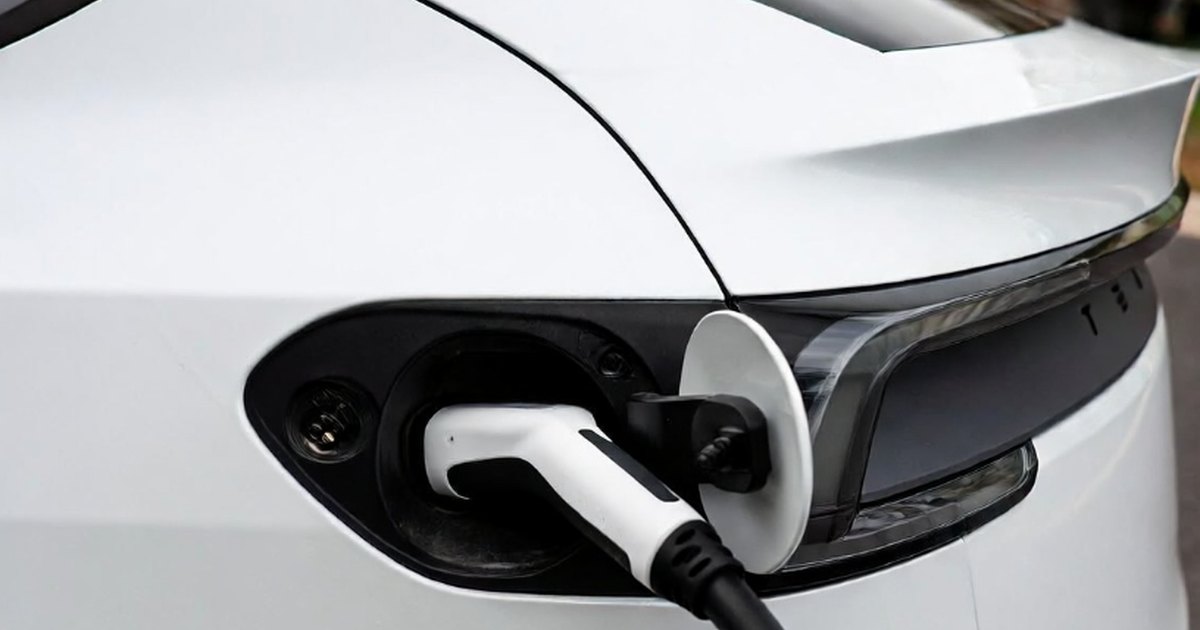
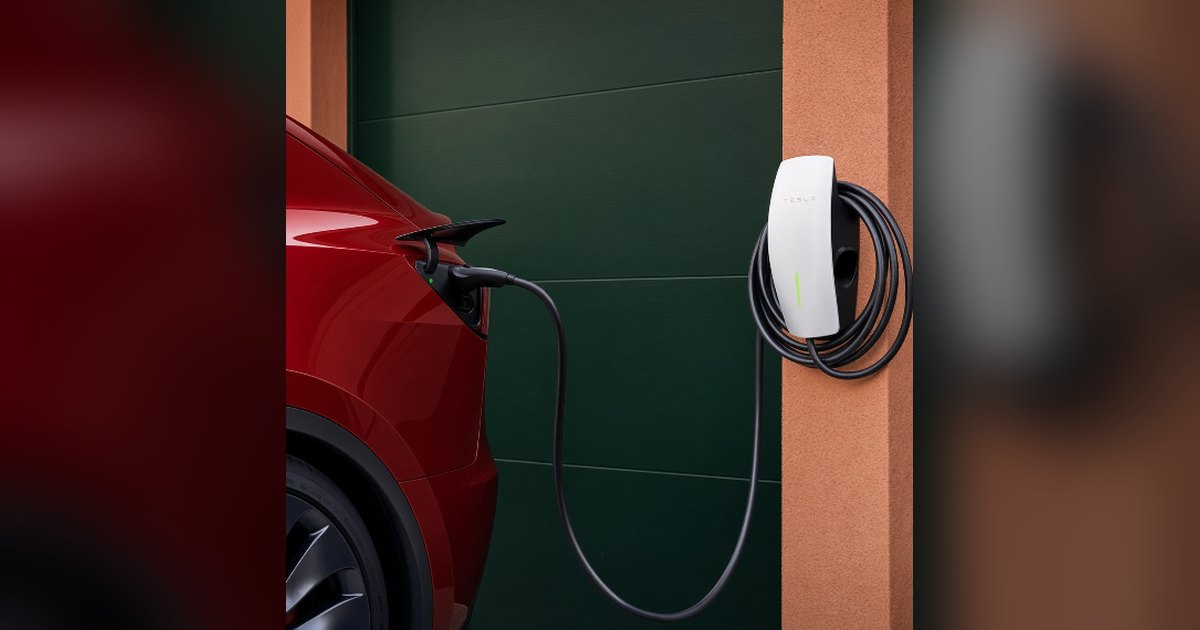
Tesla has started rolling out a smart charging feature that links its Powerwall home battery to the Wall Connector in the garage. With firmware 26.34, the Powerwall can now decide when the car charges: either when grid power is cheapest, or when your solar panels produce more than the house uses. Owners began reporting the update this week, and Tesla has published a support page with the full rules.
It is a home energy update, not a car update. The work happens in the Powerwall and the Wall Connector, so the feature is not limited to Teslas.
Two modes, tied to your Powerwall setting
Smart charging follows the operating mode your Powerwall is already in:
- Low-Cost Charging works when the Powerwall is in Savings mode. It uses your utility rate plan and a solar forecast to fill the car at the lowest cost. This is mainly useful on time-of-use tariffs with cheap night rates.
- Charge on Solar works in Self-Powered mode. It uses surplus solar as the main source, so more of your own power ends up in the car instead of going back to the grid.
The two modes cannot run at the same time. If your system is already in Self-Powered mode, the update switches the Wall Connector to Charge on Solar automatically.
Charging target and departure time
The system works with two settings. The charging target is the minimum amount of energy, in kWh, you need for your daily driving. The departure time is when that energy must be in the battery. Smart charging always delivers at least the target before you leave. Anything above that only comes from the cheapest power or from excess solar.
That has a catch for solar fans: if the forecast shows too little sunshine, Charge on Solar will take power from the grid or the Powerwall to reach your target. Tesla's tip is to set the target to 0 kWh if you want to charge purely on surplus solar. Also, a car needs a minimum power level before it starts charging at all, so on a cloudy day with only a trickle of surplus, nothing may happen.
Tesla's advice is simple: plug in often, keep the target low and set a departure time that matches your routine. The more time the system has, the better it can wait for sunshine or a cheap hour.
What you need
- A Powerwall 2 or Powerwall 3 on firmware 26.34 or later. Older Powerwall 2 systems are supported.
- A Wall Connector Gen 3 or Universal Wall Connector, also on firmware 26.34 or later.
- Tesla app 4.57.5 or later, with your phone paired to the Powerwall.
- Both devices registered to the same energy site and on the same Wi-Fi network.
Setup is in the Tesla app under Settings, Vehicle Charging, then your Wall Connector and Set Charging Configuration.
Limits worth knowing
- Only one Wall Connector per site can use smart charging.
- It does not work together with manual Wall Connector schedules, and Tesla recommends turning off charge schedules in the car, because they interfere.
- It never charges past the car's own charge limit.
- Tapping Start Charging in the app overrides the plan and charges right away. Smart charging resumes the next time you plug in.
- Any EV that works with the Wall Connector can use it. Tesla's separate Enhanced Charge on Solar feature remains Tesla-only.
Why it matters
Tesla has offered solar-aware charging before, but it was controlled from the car. Moving the logic to the Powerwall and charger means the home system sees the whole picture: house load, battery level, tariff and solar forecast. It also opens the feature to households with a non-Tesla EV. The functions were first spotted in the Tesla app's code in May, so this is the release of something owners had been waiting for. It follows Tesla's recent launch of Powershare home backup for the Model 3 and Model Y, another step toward treating the car as part of the home energy system.
What to watch next
Tesla has not said in which countries the feature is live; its support page is published for Canada, and the first reports came from owners abroad. Expect the rollout to reach more Powerwall owners in waves over the coming weeks. If you do not see the option yet, check that both devices show firmware 26.34.