Tesla maps update NA-2026.38 is rolling out in the US and Canada: what changes and how to get it3 min

Tesla maps update NA-2026.38 is rolling out in the US and Canada: what changes and how to get it

Software ·

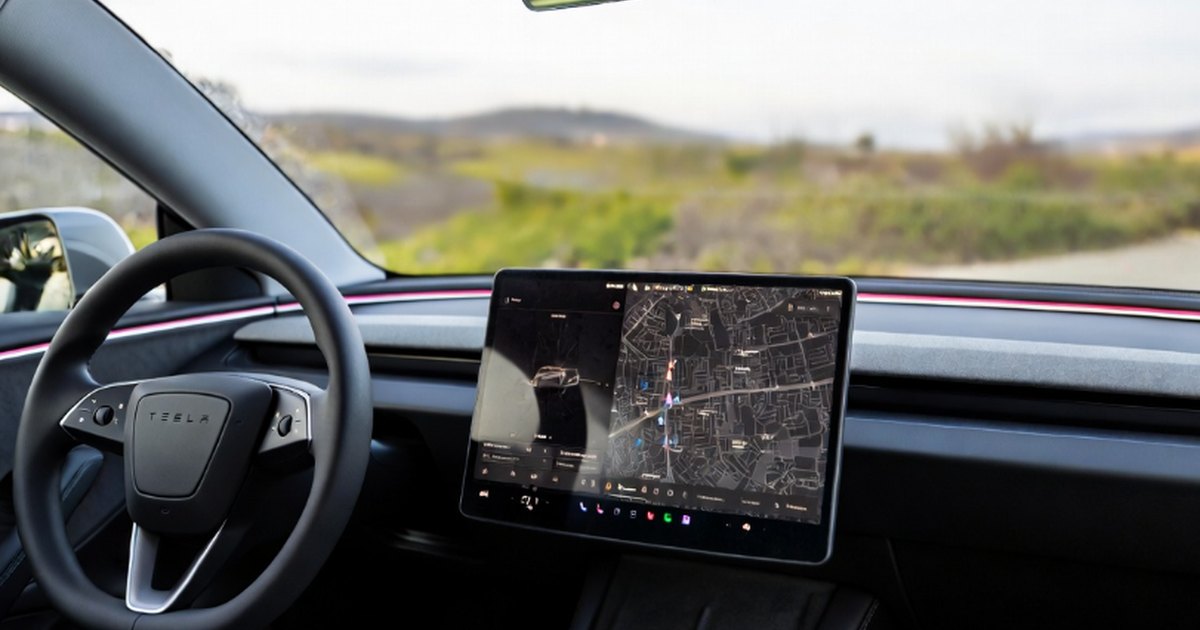
Just two months after the last one, Tesla has started sending a new map package to cars in North America. It brings fresher roads, speed limits and lane guidance, and installs silently over Wi-Fi.

Tesla has started rolling out a new navigation map package for North America, called NA-2026.38. Owners in the US and Canada began reporting on October 10 that their cars were downloading it. What makes it stand out is the timing: it comes only about two months after the previous package.

What is in the update

Tesla does not publish a changelog for map updates, so the exact list of changes is unknown. In general, a new map package brings:

  • newer street data, including new roads and changed junctions;
  • updated speed limits;
  • refreshed points of interest, such as shops and restaurants;
  • better lane guidance and road geometry.

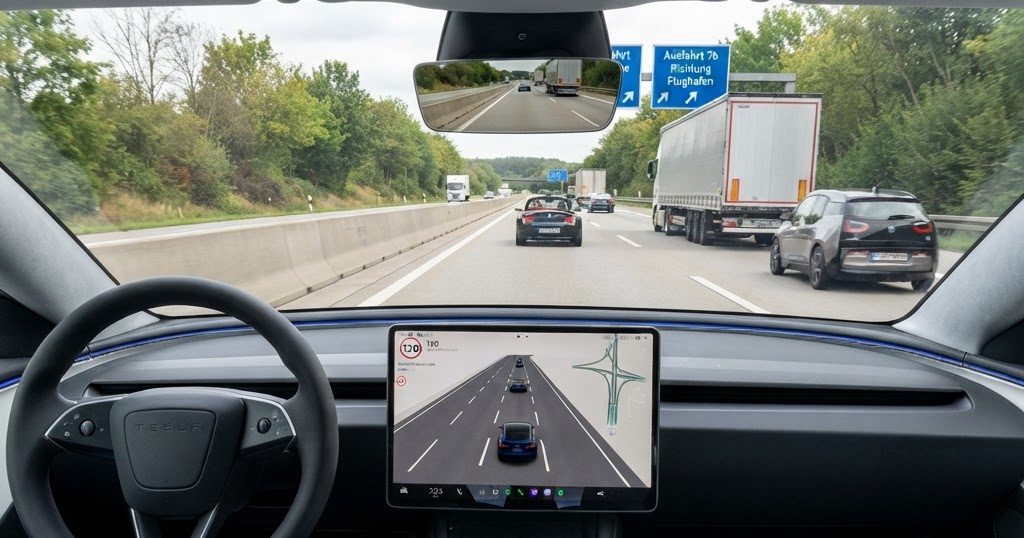
That data is used by the normal navigation, by the driver assistance features and by Full Self-Driving (Supervised). The package is several gigabytes in size.

An unusually quick refresh

Tesla names its map packages after the year and week of the data, the same way it numbers its car software. NA-2026.38 therefore contains data that is roughly three months newer than NA-2026.26, which began rolling out in August.

Historically, Tesla shipped new maps about twice a year. The package before NA-2026.26 was NA-2025.44, almost a year older. Two releases in quick succession suggest Tesla is now refreshing maps about every three months, although Tesla has not said so officially.

How to get it

  • Use Wi-Fi. Map packages do not download over the car's mobile connection. Park within reach of your home Wi-Fi, ideally overnight.
  • No pop-up. The download and install happen quietly in the background. You will not get a notification.
  • Check progress under Controls, then Software, where the installed map version is shown.
  • Weak Wi-Fi? A Tesla Service Center, some Supercharger sites or a phone hotspot can help.
  • Be patient. Like car software, maps go out in waves, so not every car gets them on day one.

Why it matters

For a car that drives itself under supervision, map quality matters more than for a human with a sat nav. Wrong speed limits are one of the most common complaints about FSD, and outdated junctions can send the car into the wrong lane. Fresher data does not fix everything, because FSD mainly drives on what its cameras see, but it reduces the number of situations where the map and the road disagree.

There is also speculation that the faster refresh is linked to upcoming FSD changes. A Tesla AI engineer said earlier this month that improvements to FSD navigation and pothole avoidance are coming. Tesla has not confirmed any link between those plans and this map package.

What to watch next

Watch owner reports for fixed speed limits and newly opened roads in the coming days, since that is the clearest sign of what changed. And watch whether Tesla keeps this three-month rhythm: if the next North American package arrives around the turn of the year, faster map updates have become the new normal. For now, the update covers North America only; there is no word yet on a similar package for Europe.
Sources (2)
11 kW

A 22 kW charger won't charge your Tesla any faster

Most Tesla models charge at home at up to 11 kW AC.

Read why →
4 min

Tesla Sentry Mode explained: how it works, how much battery it uses, and the privacy rules in Europe

Sentry Mode turns a parked Tesla into a security camera. Here is how it works, what USB drive you need, how much range it costs per day, and why the rules are stricter in Europe.

3 min

Tesla Halloween Mode explained: Trick or Treat, the ghost car and the Fright Show, and why some Teslas miss out

Tesla's software update 2026.38.3 added a Halloween Mode with spooky sounds, a ghost costume and a light show. Here is how to turn it on, what it does, the Sentry Mode catch, and which cars do not get it.

3 min

Tesla Automations is almost here: 'if this, then that' routines for your car, likely in the Holiday Update

A finished English version of Tesla's Automations app has been found hidden in current software. Here is what the routine builder can do, what it can't, and when it could arrive.

2 min

Tesla's Summer Update 2026.26: every feature explained, from Grok commands to Preferred Routes

Tesla's big summer software update added more Grok voice control, a rear-screen lock for kids, smarter navigation and app features. What each feature does and who gets it.

3 min

Tesla app 4.62 beyond the iPad layout: FSD referral rewards, X Money payments and Wall Connector sharing

The new Tesla app version is best known for its tablet layout, but its code also points to an FSD referral program, X Money as a way to pay for Supercharging and FSD, and the option to share a Wall Connector with up to five people.

4 min

The Tesla app finally gets a real iPad and tablet layout, just in time for the foldable iPhone Duo

Tesla is rolling out a redesigned app for iPads, Android tablets, foldables and Apple's new iPhone Duo, with a split-screen menu and a large 3D car view. Here is what changes and when you get it.

2 min

Older Model S and Model X finally get FSD v14 Lite, but without parking features

Tesla has started rolling out FSD v14.3 Lite to legacy Model S and Model X with the older Intel computer. Here is what these owners get, and what is still missing.

3 min

Tesla closes the rear-screen browser trick: back-seat passengers lose HBO Max and Prime Video

A popular workaround let rear passengers reach a web browser through YouTube and stream services Tesla Theater does not offer. Update 2026.38 shuts it down. Here is what changed and what still works.

3 min

Tesla update 2026.32's hidden changes: a browser ad blocker, a 20-minute seat heater timeout and a Powershare check

Tesla's release notes never tell the whole story. Update 2026.32 quietly adds an ad blocker to the car's browser, switches seat heaters off after 20 minutes and lets you see whether your Model 3 or Model Y supports Powershare.

2 min

How Tesla software updates work: version numbers, waves and why your neighbor got it first

Why does one Tesla get an update weeks before another? A plain guide to Tesla's version numbers, staged rollouts, the Advanced setting and what to do if an update fails.

2 min

Tesla's 2026 Spring Update, revisited: 'Hey Grok', automatic updates and one-tap FSD

The biggest Tesla software release of the year so far added hands-free Grok, automatic installs and a quicker way to subscribe to FSD. Here is what it changed in daily use.

3 min

Tesla's 'Emergency Drive Away' lets you flee a Supercharger with the cable still plugged in

A new software feature in update 2026.38.3 lets Tesla drivers in the US shift into Drive while connected to a Supercharger, for emergencies only. Here is how it works, what it costs, and why Tesla added it.

2 min

Tesla update 2026.38: smarter headlights, Supercharger site maps and Grok out of beta

Tesla's latest software update brings adaptive headlight leveling, a live map of selected Supercharger sites and better visuals. Here is what is new and which cars get it.

3 min

Tesla app 4.61 adds passkeys: how to sign in with Face ID instead of a password

The latest Tesla app quietly adds passkey sign-in, a safer alternative to passwords, plus live Supercharger site maps on iPhone. Here is what is new and how to set up a passkey in five steps.

2 min

FSD v14 Lite for Hardware 3: what older Teslas get, and what they never will

Tesla has started a wide rollout of FSD v14 Lite to cars with Hardware 3. It brings much of v14's smoother driving to older Model 3 and Model Y, but HW3 has reached its ceiling.