Tesla now lets owners precondition the battery manually
Software update 2026.44.3.1 adds Precondition for Fast Charging in the car and in the Tesla app. The control warms the battery for DC fast charging, and normal home charging does not need it.
Tesla software update 2026.44.3.1 adds a manual option called Precondition for Fast Charging. Not a Tesla App and Teslarati both report that the rollout started on 26 November 2026, and that owners reported the option on 27 November. A driver can warm the battery before a DC fast charge, instead of leaving that step entirely to the car. Until this update, preconditioning only happened automatically. Navigation to a Supercharger is the example both reports give. There was no separate switch for the driver to press.
What did the car do before this switch?
It preconditioned on its own, for example when the route led to a Supercharger. Not a Tesla App and Teslarati describe that earlier limit in the same way. The warm-up was automatic. The driver did not start it from a menu. Navigation to a Supercharger is the case both accounts use as the example. Those accounts do not describe a manual control in older software. Version 2026.44.3.1 is the update that adds one. The new control still has to show up where a driver can reach it, and the screen in the car is only one of the two places.
Where does the button sit?
In the car under Controls, then Charging, and in the Tesla app under Charging. Not a Tesla App's report on the update places the option in both menus. The release notes for 2026.44.3.1, and Tessie's page for the same version, set the versions that have to match. The app needs version 4.63.0. The car needs 2026.44.3.1. Updating the app alone does not add the option. The phone and the car each have to be on those versions. The menus answer where to look. They do not answer when to start, or how long the battery stays at the temperature Tesla calls optimal.
So when should the warm-up start?
About one hour before charging. Once the optimal temperature is reached, it is kept for thirty minutes. Tesla's release notes say that, in the wording carried by Not a Tesla App and by Tessie. Start preconditioning about one hour before the charge. When the battery reaches the optimal temperature, the car keeps that temperature for thirty minutes. The notes do not describe a longer hold. A start at the moment charging begins is later than the hour those notes ask for. A wait that runs past thirty minutes is past the hold they describe. That clock is for one kind of charging. A charger at home is another kind.
What charging is this for?
DC fast charging. Normal charging at home is not what the control is for. Preconditioning brings the battery to the ideal temperature for DC fast charging, which shortens charging time. Not a Tesla App's news article, the release notes for 2026.44.3.1, and Teslarati all tie the option to fast charging. The same sources say it matters for DC fast charging, not for normal home charging. A home session sits outside that claim. The shorter charge is the fast one. Which cars can show the control is a separate line, and the notes name five Tesla vehicles, worldwide.
Which Teslas get the control?
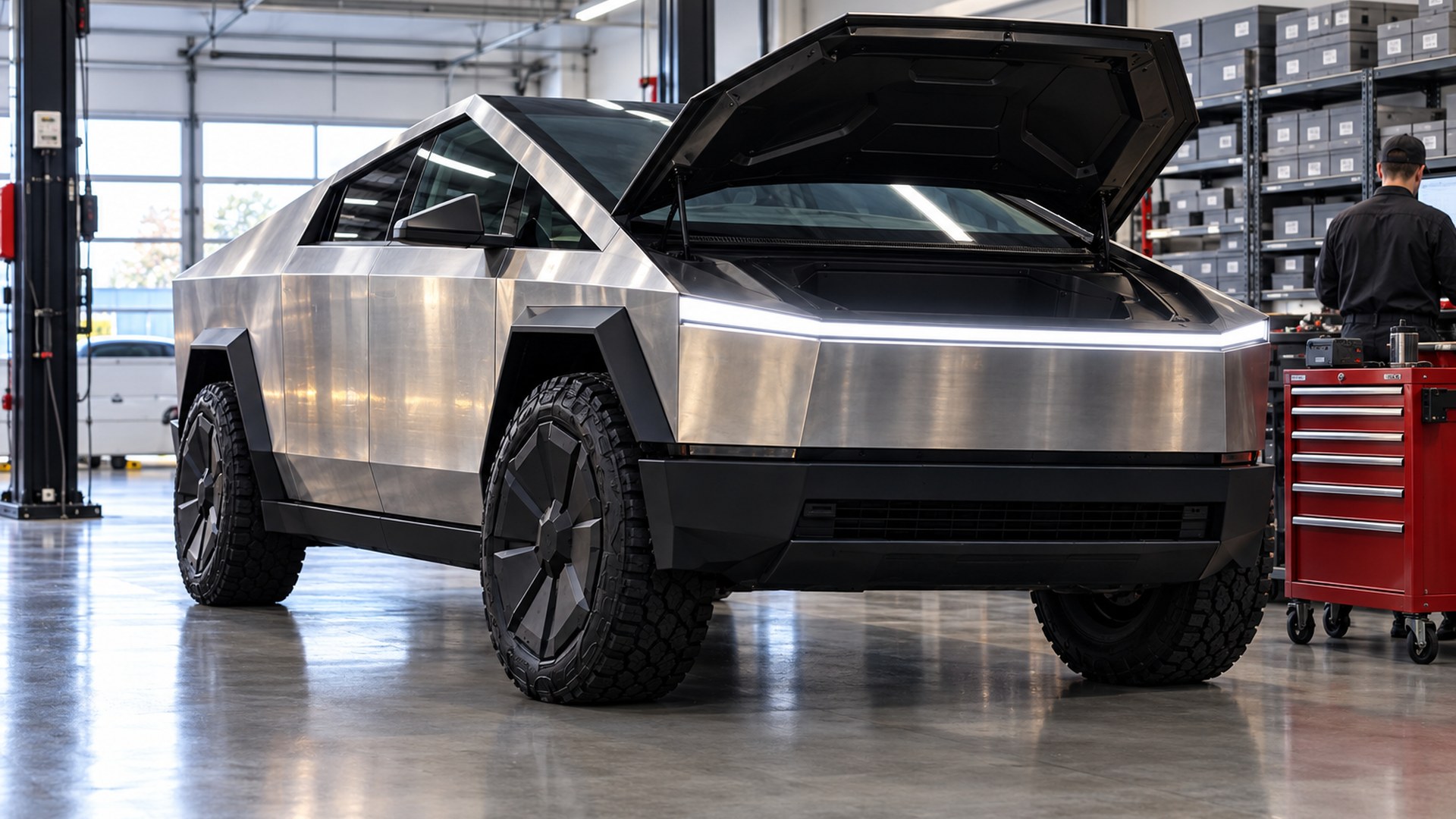
Model S, Model 3, Model X, Model Y and Cybertruck, and the update is available worldwide. Not a Tesla App's release notes and Tessie both list those five, and both say availability is worldwide. The notes do not split the list by country. A Model 3 and a Cybertruck are inside the same claim once each car is on 2026.44.3.1. A Tesla outside those five is outside what the notes state. The same version also changes the map. That change sits next to the battery control, and it is easy to miss.
So what else is on the map?
A Charger Network View. Charger pins cluster on the map. Teslarati and the Not a Tesla App release notes both include that view in 2026.44.3.1, the same update as the manual preconditioning control. Pins for chargers group together on the map. The view does not start the warm-up. A clustered map shows where the chargers are. The battery is kept at the optimal temperature only after preconditioning starts about an hour before charging, and that hold lasts thirty minutes.
Sources (4)
Images are illustrations; some are made with AI.