 4 min
4 minTesla delivery day checklist: what to prepare, what to inspect and what to do if something is wrong
A practical guide to collecting a new Tesla in the US, UK or Europe: the app steps before the day, an exterior and interior checklist, and how to report problems.
Taking delivery of a new Tesla is exciting, and it is also the moment when it is easiest to spot and record problems. Tesla handles most of the process through its app, and the hand-over itself can be quick. This guide walks you through what to prepare in the days before, what to check on the day, and what to do if something is wrong. It applies to buyers in the US, the UK and Europe, although local paperwork differs.
Before delivery day
According to Tesla's own delivery guide, most of the work happens in the Tesla app:
- Confirm your details: registration details and delivery location must be confirmed before the delivery can go ahead. Do this as soon as possible after ordering.
- Trade-in and payment: tell Tesla whether you are trading in a car, choose a payment method and sign any financing or trade-in documents.
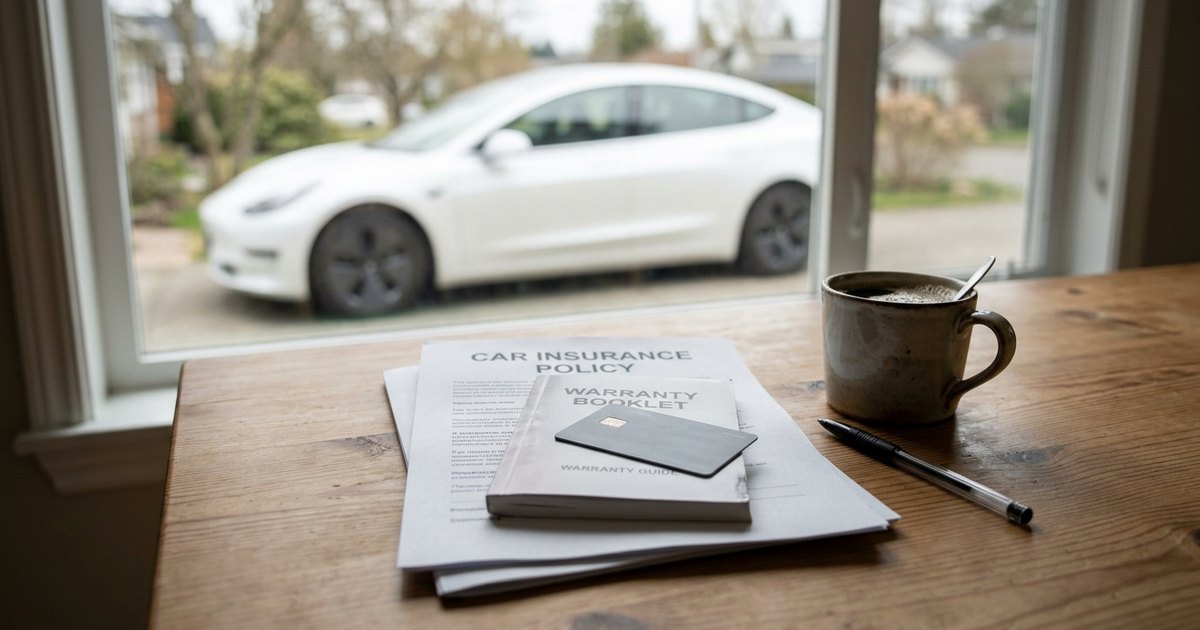
- Insurance: once the car has a VIN, upload proof of insurance in the app.
- Agreements: accept any outstanding agreements in the app within 24 hours of your appointment.
- Final payment: submit it in the app. For delivery by carrier, shipment is arranged once payment and documents are in.
A few rules from Tesla's US support page are worth knowing, and similar rules may apply elsewhere. Tesla may assign you a car within a 90-minute drive of your address, and once a VIN is assigned the car cannot be moved to another location. You can reschedule in the app, but not within 48 hours of your appointment. In the US, buyers more than 220 miles from a delivery centre may be offered paid delivery by carrier.
On the day: how the hand-over works
At a Tesla location, you check in, sign any remaining agreements, complete payment and accept the car in the app. You then unlock it with your phone. Tesla offers short video tutorials on the car's features. A hand-over typically takes about an hour, according to a delivery guide from accessory maker Basenor, but you can ask for more time if you want to inspect the car properly.
Exterior checklist
- The VIN, colour and wheels match your order.
- Panel gaps look even around the doors, bonnet, boot and frunk.
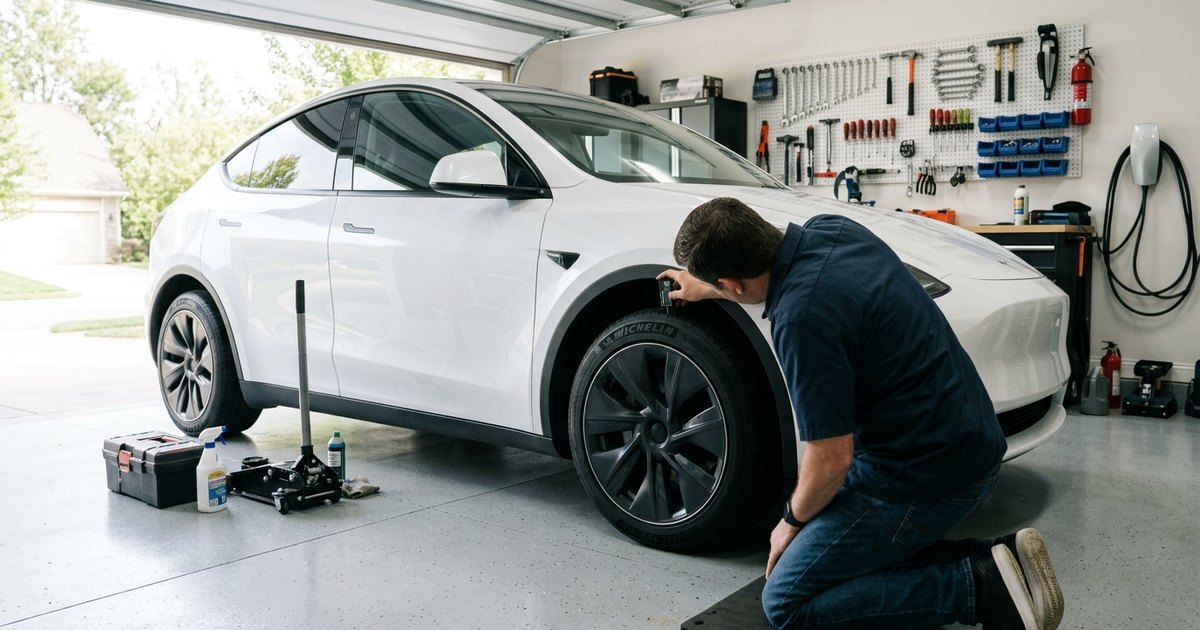
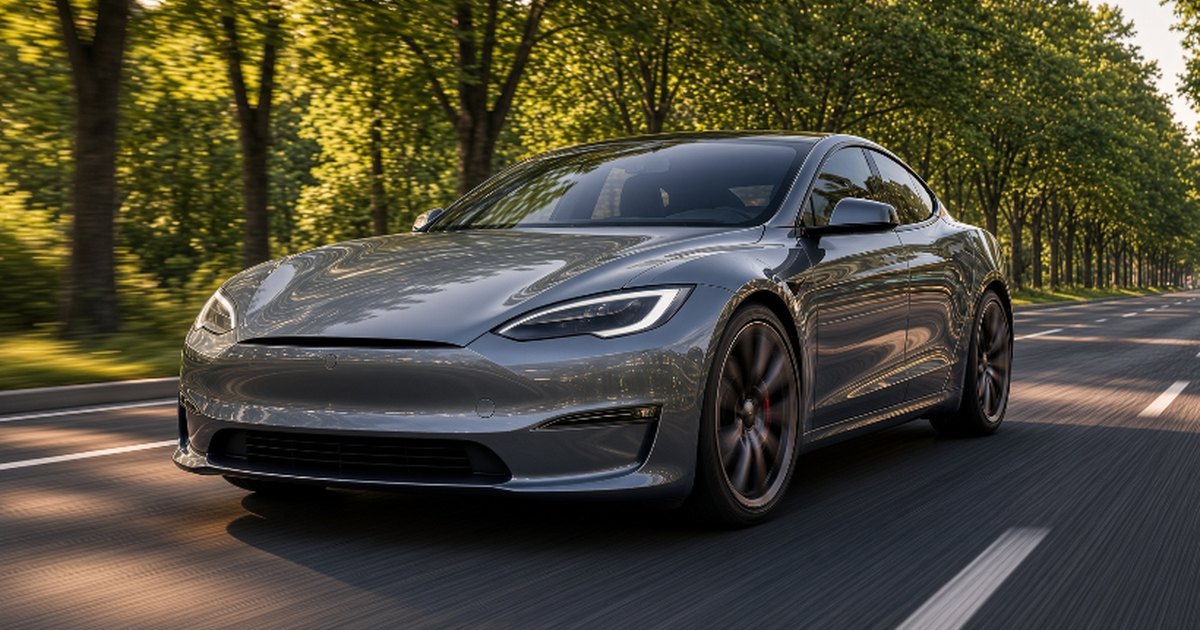
- No scratches, chips or dents, especially around door handles, the frunk edge and the lower bumpers. Check in good light.
- Wheels are undamaged, and all valve caps are present.
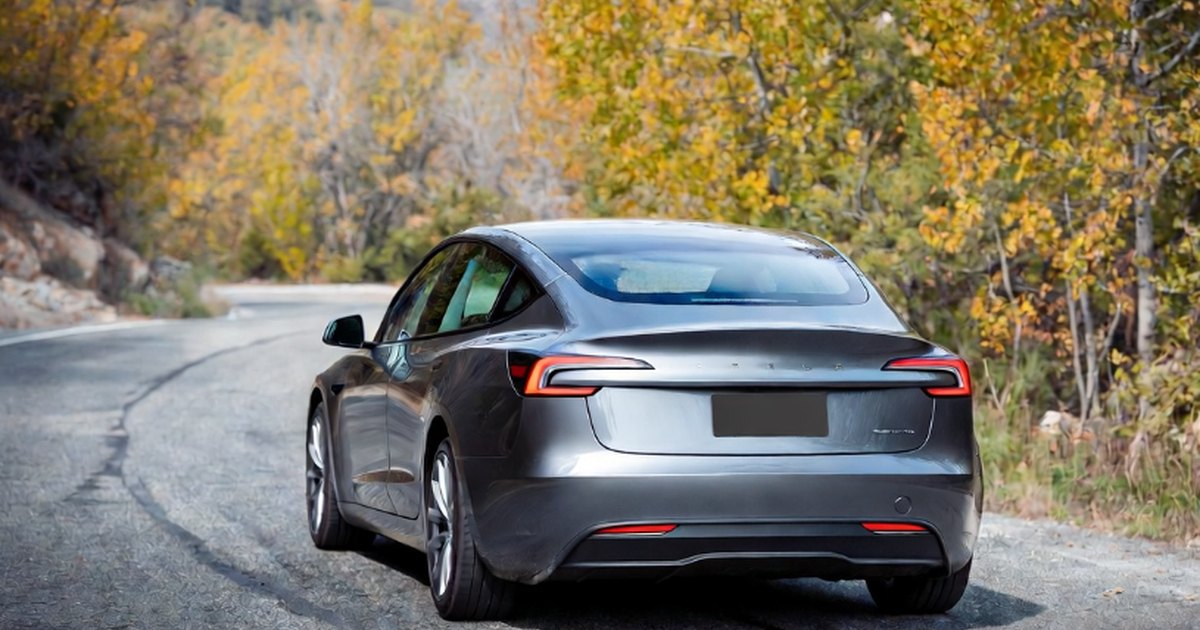
- All lights work: headlights, indicators, brake lights and reversing lights.
- Doors, frunk and boot open and close cleanly. Check the window switches and wipers.
- Camera lenses are clean and unobstructed.
Interior and tech checklist
- Seats, headliner and trim are free of marks, creases or damage; dashboard gaps look consistent.
- Seat and mirror adjustment, climate control and the sound system work.
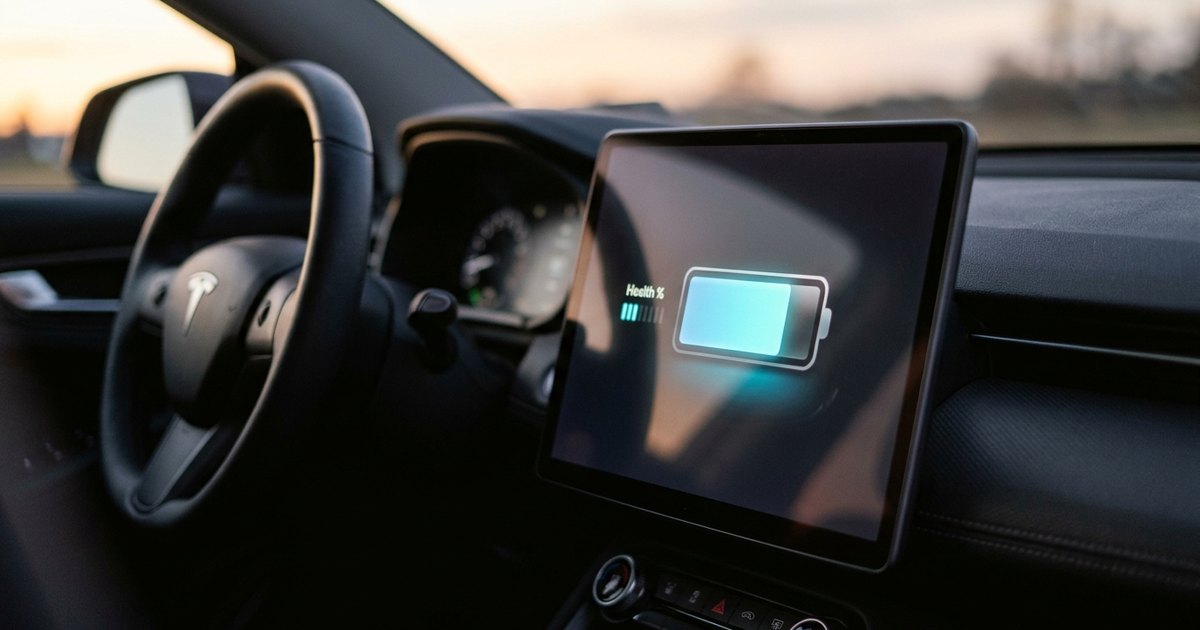
- The touchscreen responds and shows no warning or fault messages.
- Your phone key works: the car locks when you walk away and unlocks when you return. Test both key cards too.
- The Tesla app shows the correct charge level and location.
- On a short drive, the steering wheel is straight when driving straight and regenerative braking works.
- The charge port opens from the app and the screen, and the charging cable is included if your market and order come with one.
- Any paid options or software features you ordered are active.
If you find a problem
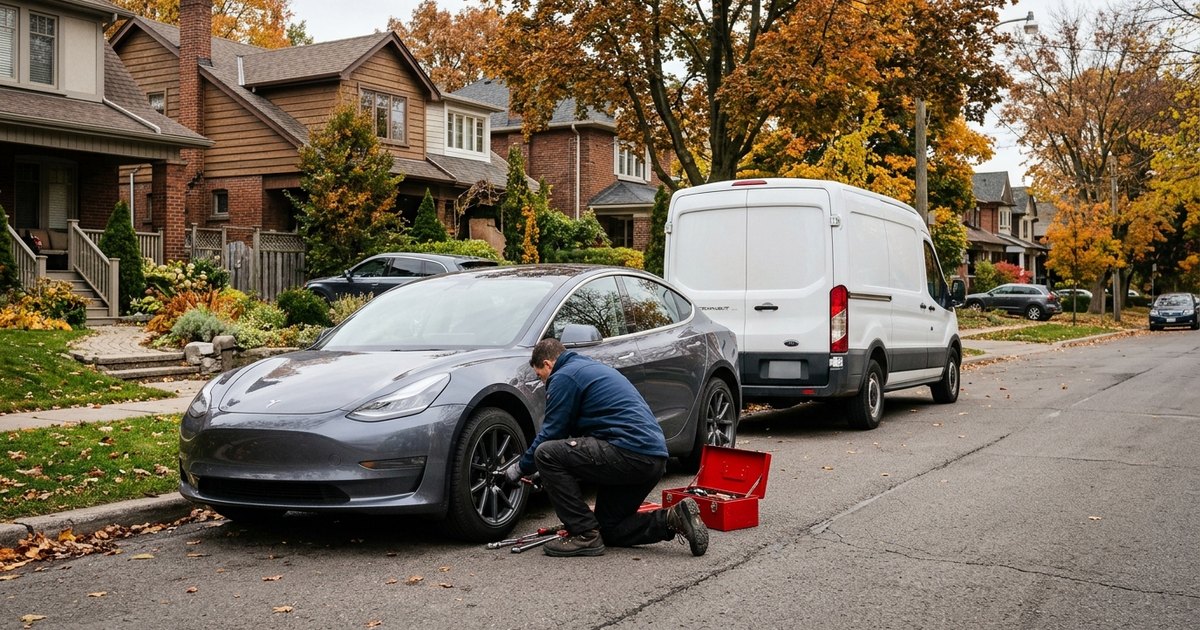
Most issues are cosmetic and can be fixed after delivery. Basenor's advice is to record every issue in writing at delivery, with photos, and to book a service appointment in the Tesla app for anything you discover afterwards. Note the date you found each problem.
Refusing the car is a bigger step. It is generally reserved for serious problems: the wrong specification, visible structural damage, active fault messages or signs of a previous accident. Your rights depend on your contract and on local consumer law, which differs between the US, the UK and EU countries, so read your order agreement before the day.
After delivery
- Set up your driver profile, PIN to Drive and Sentry Mode preferences.
- Check which connectivity trial and warranty apply to your car in the app.
- Keep the delivery paperwork and your photos together; they help with any later warranty claim.
Why it matters
A careful hour on delivery day can save weeks of back-and-forth later. Tesla's fast, app-based process is convenient, but it puts more of the responsibility on the buyer to spot issues. Taking your time, using a checklist and documenting what you find is the simplest way to make sure any problems are fixed under warranty.